

 Bandizip for macOS

What makes Bandizip essential on Mac

◂Bandizip
Mac Finder
▾

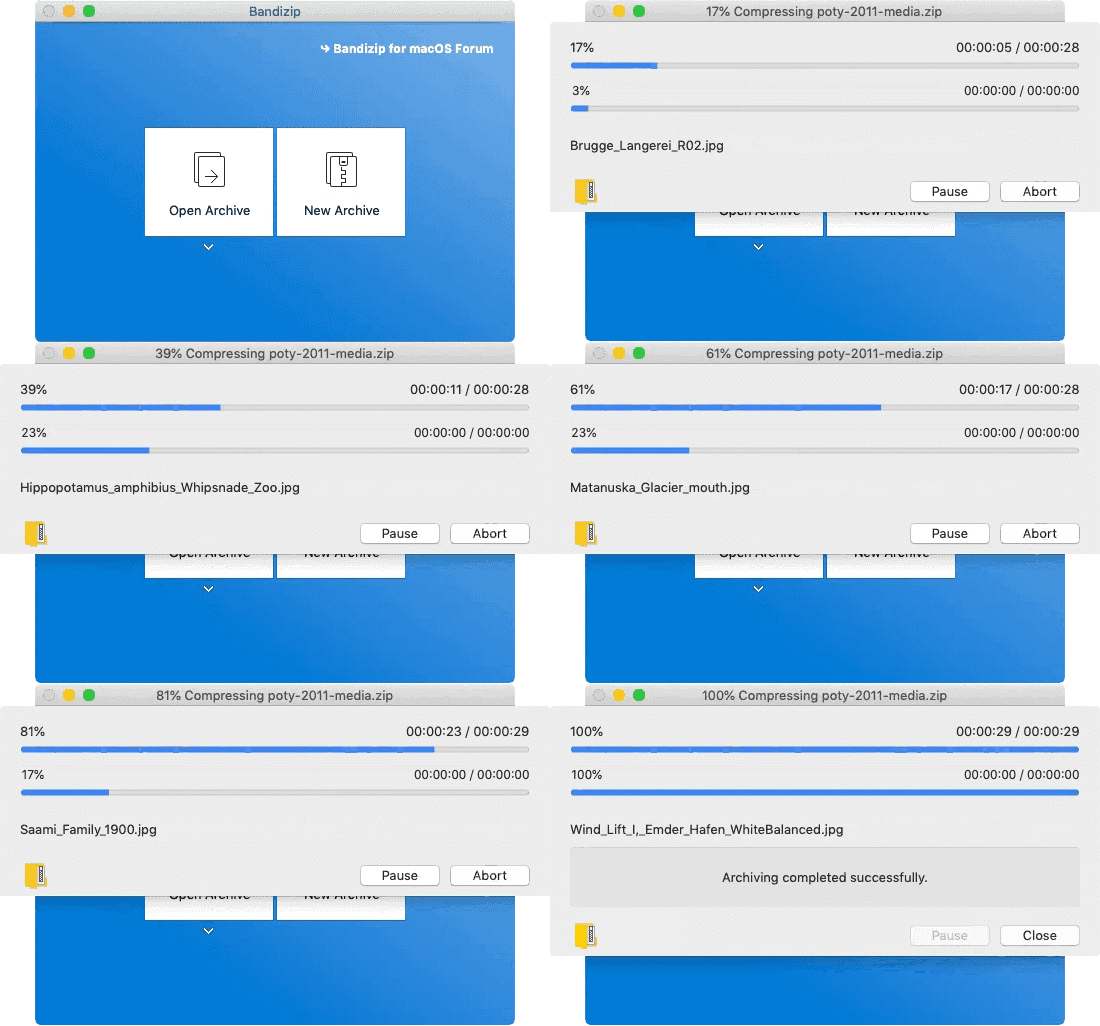
File compression 10x faster than Finder
Use a multi-core processor to compress files 10x faster than Finder does.
※ 可能因系統環境而有所差異。
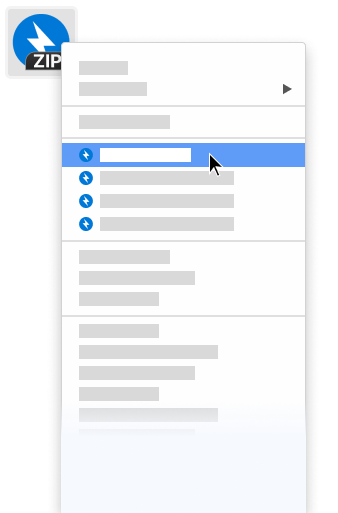
Finder services menu integration
Quickly access the app features in the right-click menu of Finder

密碼管理器
可以幫助您高效的管理壓縮包的密碼

修復壓縮檔
分析損壞的 ZIP 壓縮包並儘可能修復損壞的壓縮包

密碼復原
使用暴力破解的辦法,完成對壓縮包密碼的恢復

壓縮檔內圖片預覽
在不解壓的情況下檢視壓縮包中圖片的縮圖
Basic features
支援的格式
ZIP, 7Z(lzma2), ZIPX(xz), TAR, TGZ, GZ
- Add, delete, rename files in a ZIP archive
- Multi-volume compression (for email attachments)
- High-capacity compression (larger than 4GB)
- Password settings for your archive
- AES256 encryption algorithm
支援的格式
7Z, ACE, AES, ALZ, ARJ, BH, BIN, BZ, BZ2, CAB, Compound(MSI), EGG, GZ, IMG, ISO, ISZ, LHA, LZ, LZH, LZMA, PMA, RAR, RAR5, SFX(EXE), TAR, TBZ, TBZ2, TGZ, TLZ, TXZ, UDF, WIM, XPI, XZ, Z, ZIP, ZIPX, ZPAQ, ZST
- Show the list of files inside an archive
- Use drag & drop to extract the selected files from an archive
- View file comments of ZIP & RAR archives
- One-step file extraction from TGZ & TBZ archives
- Test integrity of an archive
- Codepage settings & auto-detection
- Finder services menu integration
- Change the Unicode normalization for filenames (NFC & NFD)
Bandizip (macOS)
Bandizip 是一款適用於 macOS 的多功能壓縮軟體。
System requirements
• Bandizip: macOS 10.13 (High Sierra) / Bandizip 365: macOS 11 (Big Sur)
• 64-bit processor